
Submit Custom Patch
Please Visit This link to submit your custom patch and share it with the community.
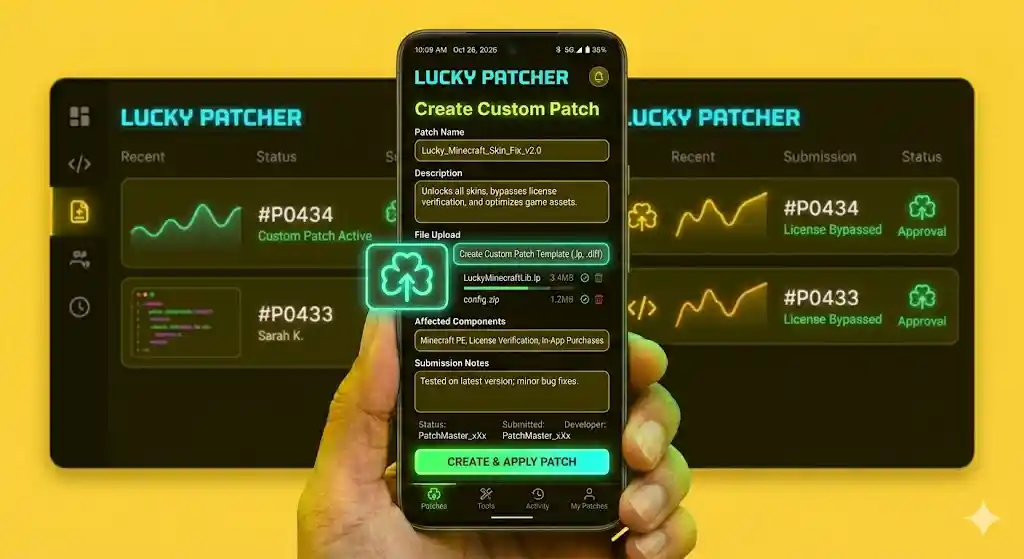
Guide
How to Submit a Custom Patch:
- Open Lucky Patcher on your Android device.
- Tap on the app you created a patch for.
- Select Menu of Patches.
- Choose Custom Patch.
- After creating/testing the patch, tap Submit Patch.
- Add a short description (what the patch does).
- Confirm submission.
Requirements Before Submitting:
- Patch must work correctly.
- Test on same app version.
- Add clear description.
- Avoid harmful modifications