Lucky Patcher vs Freedom APK — Full Comparison [2026]
If you have been looking for ways to manage app permissions, remove ads, or bypass in-app purchases on Android, chances are you have come across two names more than anything else — Lucky Patcher and Freedom APK. Both tools are widely used, both serve similar purposes, and both live outside the Google Play Store. But they are not the same.
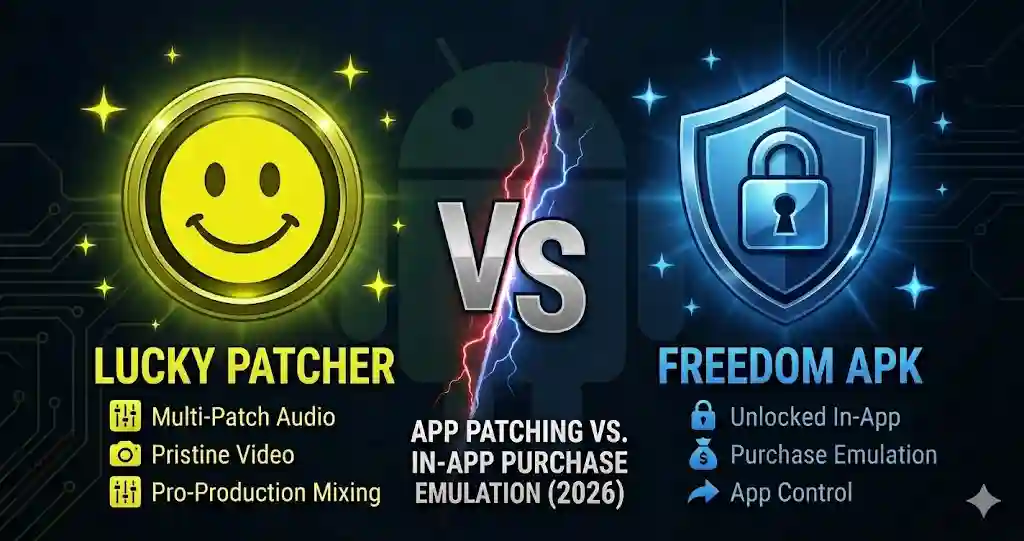
This guide breaks down everything you need to know before choosing between the two — how each one works, what they can and cannot do, how safe they are, and which one makes more sense depending on what you actually want to accomplish.
What Is Lucky Patcher?
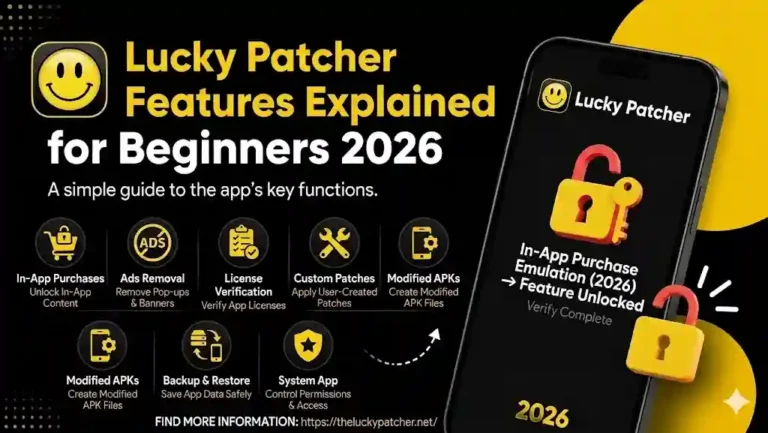
Lucky Patcher is a well-known Android utility that lets users modify installed apps directly on their device. It works by scanning apps and applying patches to change their behavior — removing ads, bypassing license checks, managing permissions, and creating custom APK backups.
Think of it as a swiss army knife for Android app customization. It does not focus on just one thing. Instead, it gives you a range of tools to work with depending on what you need from a specific app or game.
Some of its core capabilities include:
- Removing ads from apps and games
- Bypassing license verification on paid apps
- Managing app permissions
- Creating modified APK files
- Backing up and restoring apps
- Moving apps to SD card
- Cloning apps to run multiple accounts
Lucky Patcher works on both rooted and non-rooted Android devices. However, on non-rooted devices, many of its deeper features are either unavailable or significantly limited. Full functionality requires root access, which gives the app the system-level permissions it needs to make meaningful changes.
What Is Freedom APK?
Freedom APK is a more focused tool. It does one thing specifically — it simulates a fake payment to Google Play so that in-app purchases go through without any real money being charged. When you try to buy coins, gems, or unlock a premium feature inside a game, Freedom intercepts that request and sends back a signal that the payment was successful, using a virtual card rather than your actual payment method.
Unlike Lucky Patcher, Freedom does not modify the APK file itself. It works at the transaction level, not the code level. This means it does not restructure an app or create a modified version — it just tricks the payment process in real time.
Key things Freedom APK can do:
- Simulate free in-app purchases in games
- Bypass license verification in some apps
- Remove ads in compatible applications
- Unlock premium features without payment
Freedom APK requires a rooted Android device to function. Without root access, it simply does not work at all, which is a significant limitation compared to Lucky Patcher.
How Each Tool Works — The Technical Difference
This is where the two tools genuinely differ.
Lucky Patcher modifies the APK file of the app. It finds specific code segments — ad libraries, license check routines, permission requests — and rewrites or removes them. The result is a patched version of the app that behaves differently from the original. This approach gives Lucky Patcher more versatility but also makes it more detectable by app developers who monitor for modified clients.
Freedom APK takes a different approach entirely. It runs in the background as a service and intercepts the communication between the app and the Google Play billing system. When a purchase is initiated, Freedom responds with a fake confirmation via a virtual gift card, leading the app to believe the payment went through. The app’s own code is never touched — only the payment channel is spoofed.
In simple terms, Lucky Patcher changes what the app does, while Freedom APK changes what the app hears from the payment system.
Feature Comparison: Lucky Patcher vs Freedom APK
| Feature | Lucky Patcher | Freedom APK |
|---|---|---|
| Ad Removal | Yes | Limited |
| In-App Purchase Bypass | Yes | Yes (primary function) |
| License Verification Bypass | Yes | Yes |
| App Permission Management | Yes | No |
| Custom APK Creation | Yes | No |
| App Backup & Restore | Yes | No |
| App Cloning | Yes | No |
| Move Apps to SD Card | Yes | No |
| Works Without Root | Partially | No |
| Works on Online Games | No | No |
| Works on Offline Games | Yes | Yes |
| Available on Google Play | No | No |
| App Size | ~9 MB | ~1.85 MB |
As the table shows, Lucky Patcher clearly offers a broader range of tools. Freedom APK wins in one area — ease of use for bypassing in-app purchases specifically.
Root Requirements — Which One Is More Flexible?
This is a practical concern for many users. Rooting an Android device grants full system-level control but also voids warranties, triggers security flags, and introduces risks if done incorrectly.
Lucky Patcher gives you some options even without root. You can export APK files, use limited patching features, and manage a few basic settings. For users who do not want to root their device, Lucky Patcher still has some value — though not nearly as much as on a rooted device.
Freedom APK, on the other hand, requires root access without exception. If your device is not rooted, the Freedom APK will not function, making it less accessible for users who want to avoid the rooting process.
Winner for non-root users: Lucky Patcher, by a clear margin.
Safety and Risks — What You Need to Know
Both tools carry real risks, and it is important to understand them clearly before installing either one.
Account Ban Risk
Both Lucky Patcher and Freedom APK can result in a permanent account ban, particularly in online games and apps with server-side monitoring. When a developer detects unusual purchase patterns or modified app behavior, they act swiftly. This risk is highest in competitive multiplayer games where fair play is enforced aggressively.
Malware and Fake Versions
Since neither app is available on the Google Play Store, users must download APK files from third-party sources. This creates a significant risk of encountering fake or modified versions that contain spyware, adware, or malware. Multiple antivirus engines have flagged various versions of both tools. Always download from known, trusted sources and scan the file before installing.
Google Play Protect
Google Play Protect actively scans for apps that interfere with other apps or payment systems. Play Protect flags both Lucky Patcher and Freedom APK on many devices. You may need to temporarily disable Play Protect to install them, further reducing your device’s security.
App Compatibility in 2026
Modern apps and games increasingly use server-side purchase validation and anti-cheat systems. This means both tools have significantly lower success rates on recently updated, popular titles compared to a few years ago. They tend to work more reliably on older apps or offline games that handle purchase checks locally on the device.
Performance on Offline vs Online Games
Both tools Both tools perform far better in offline games than in online ones. Here is why:
- Offline games verify purchases locally on your device, which means patches and payment spoofing are more likely to work.
- Online games verify purchases through the developer’s servers, which cannot be spoofed from the device side. Attempting to use either tool on online games is very likely to fail and may trigger an account review.
If your target is an offline game, both tools can be effective. For online games, neither Lucky Patcher nor Freedom APK is a reliable solution in 2026.
Ease of Use — Which Is Simpler?
For users who are not technically experienced, Freedom APK is the more straightforward option. The process is simple: install, run, open a game, and make a purchase. There are fewer settings to navigate and fewer decisions to make.
Lucky Patcher has a steeper learning curve. The interface presents multiple options per app, and choosing the wrong patch can cause the target app to crash or stop working. It rewards users who take the time to understand what each option does, but beginners can easily make mistakes.
If you want to bypass in-app purchases with minimal setup, Freedom APK is simpler. If you want deeper control over your apps — managing permissions, removing ads, creating backups — Lucky Patcher is worth learning.
Which One Should You Choose?
Here is a straightforward breakdown based on your actual goal:
Choose Lucky Patcher if:
- You want to remove ads from apps
- You need to manage or restrict app permissions
- You want to create modified APK backups
- You want to clone apps for multiple accounts
- Your device is not rooted and you still want some functionality
- You want an all-in-one tool rather than a single-purpose one
Choose Freedom APK if:
- Your only goal is bypassing in-app purchases
- You prefer a simpler, no-frills interface
- Your device is already rooted
- You are targeting older offline games where purchase spoofing still works
Use neither if:
- You are playing competitive online games where account bans are a serious concern
- You are not comfortable with the security and legal risks involved
- Your device holds important personal, financial, or work-related data
Final Verdict
Between Lucky Patcher and Freedom APK, Lucky Patcher is the more powerful and versatile tool. It covers far more use cases, works on non-rooted devices to some extent, and gives users genuine control over how their apps behave — not just at the payment level, but across permissions, advertising, and data management.
Freedom APK fills a narrower role. It is good at what it does — simulating in-app purchases — but that is essentially the only thing it does. If your needs go beyond bypassing purchases, Freedom APK will leave you wanting more.
That said, both tools come with real risks in 2026. Modern apps are increasingly resistant to both approaches, and the chances of an account ban or security issue are genuine. Always use a secondary account for testing, download only from trusted sources, and understand that using these tools means accepting those risks yourself.
Frequently Asked Questions
Q: Does Lucky Patcher still work in 2026?
Yes, but with limitations. It works best on older offline apps and games. Newer apps with server-side validation are increasingly resistant to patching.
Q: Does Freedom APK work without root?
No. Freedom APK requires root access to function. Without it, the app will not run at all.
Q: Can both apps get your account banned?
Yes. Both tools can trigger account bans, especially in online games. Always use a secondary account when testing.
Q: Which is safer — Lucky Patcher or Freedom APK?
Neither is entirely safe. Both require sideloading from unofficial sources, which carries the risk of malware. Multiple antivirus engines have flagged Lucky Patcher. Always scan any APK before installing.
Q: Can I use both apps together?
Technically yes, but it is generally unnecessary. Lucky Patcher already includes in-app purchase bypass features, making Freedom APK redundant in most cases.